Rufus is the premier application for creating bootable USB drives using any ISO file you want. Its primary purpose is to create USB drives that you can use for a Windows installation or any other software setup that requires an ISO image.
ISO files are usually utilized either to create backup drives or to provide software a distributor is sharing. Rufus helps create bootable drives that replace the physical media used previously in the form of CDs or DVDs.
The competitive edge Rufus has over its competitors is its incredibly compact package, which comes in at under 2 MB, and its fast speed when creating a bootable USB drive from an ISO file.
Preparing for system emergencies
As you know, CD and DVD drives are becoming more and more obsolete by the day. You need at least one bootable USB drive in case of an emergency. This emergency could be your operating system crashing because of a bug or virus.
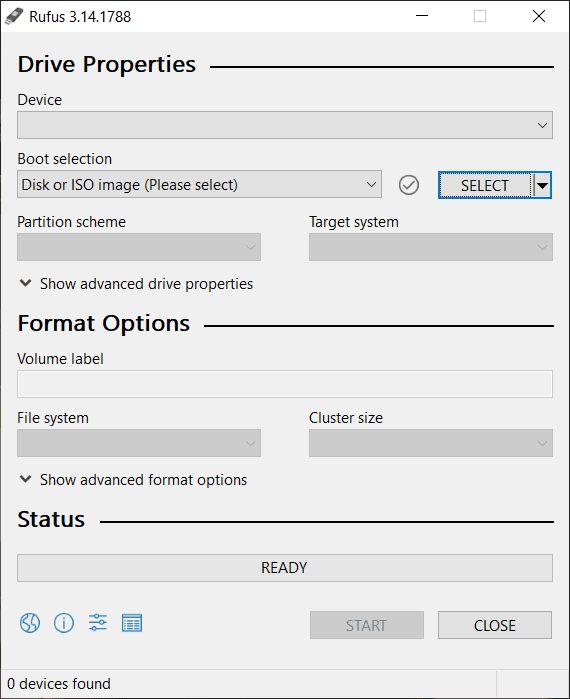
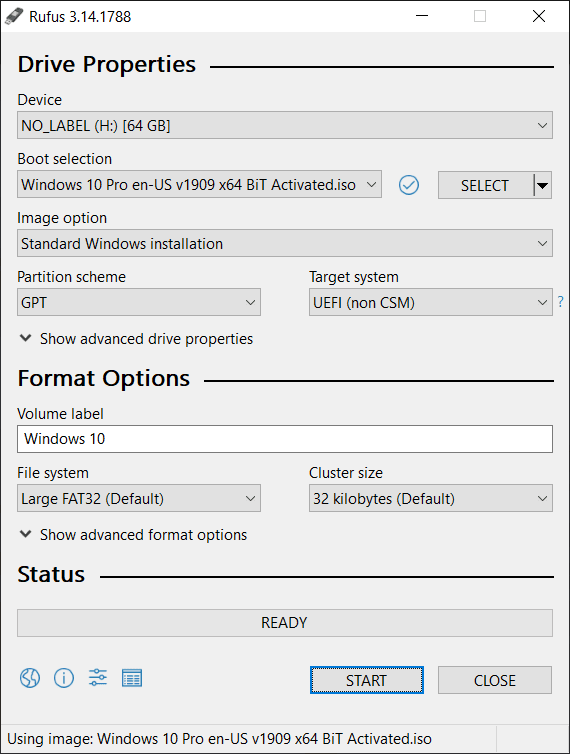
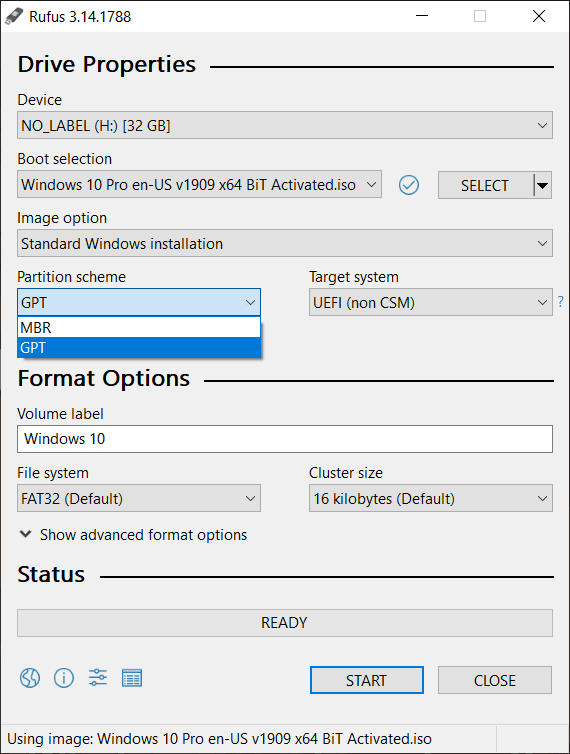
For these situations, Rufus gives you the best and quickest solution to install any OS on your computer. It comes as a tiny package in the form of an .exe file that runs without you having to install it first. Using Rufus is an absolute breeze. It's just that easy. To create a bootable USB drive, here are the simple steps you need to follow:
- Plug in the USB drive.
- Download and open Rufus.
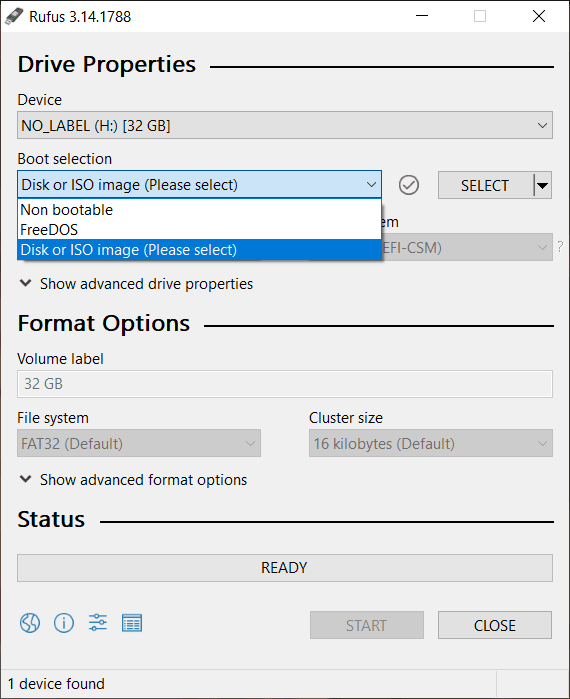
- Select the drive, or let Rufus automatically choose it for you.
- Select the ISO file that you want to use.
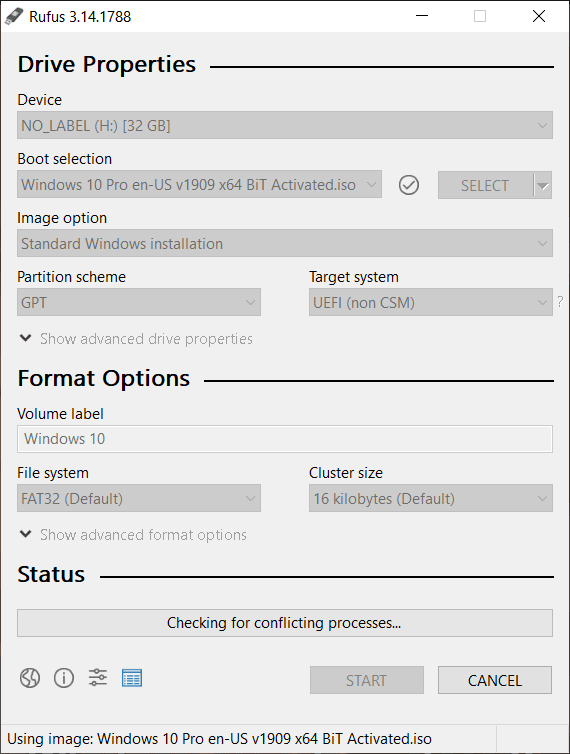
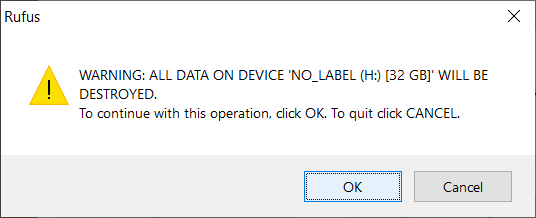
- Click Start and wait for the process to finish.
- Done.
Core features and reliable performance
The feature list of Rufus is as follows:
- Creating bootable USB drives from ISO files.
- Flashing a BIOS or any other firmware from DOS.
- Working with various ISO files, including Windows, Linux, and UEFI images.
Rufus may be small in size, but it does everything it is supposed to do perfectly. Easy to use, lightweight, and incredibly helpful, the tool does its job efficiently.